ComfyUI.Tokyo
複数条件の場合はキーワードの間にスペースを入れてください。例 ksampler controlnet
Qwen Image GGUF 通常画像生成用 Workflow
Workflow
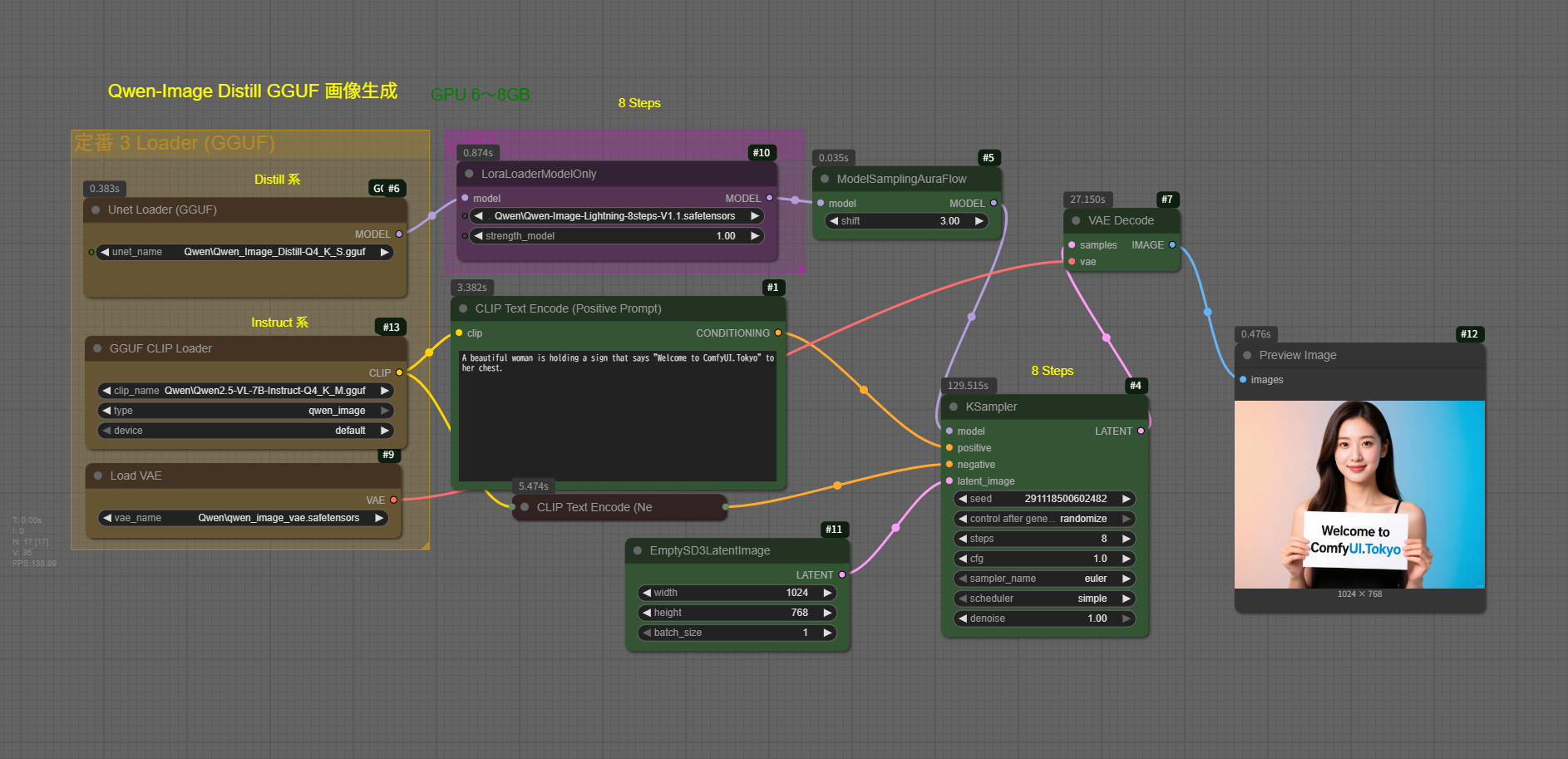
Prompt
A beautiful woman is holding a sign that says "Welcome to ComfyUI.Tokyo" to her chest.
以下が一例のQwen-Image GGUF 生成画像

Prompt
A beautiful woman is holding a Large sign that says "Welcome to ComfyUI.Tokyo" to her chest.The shelves in the background are filled with GPU boards of various colors.
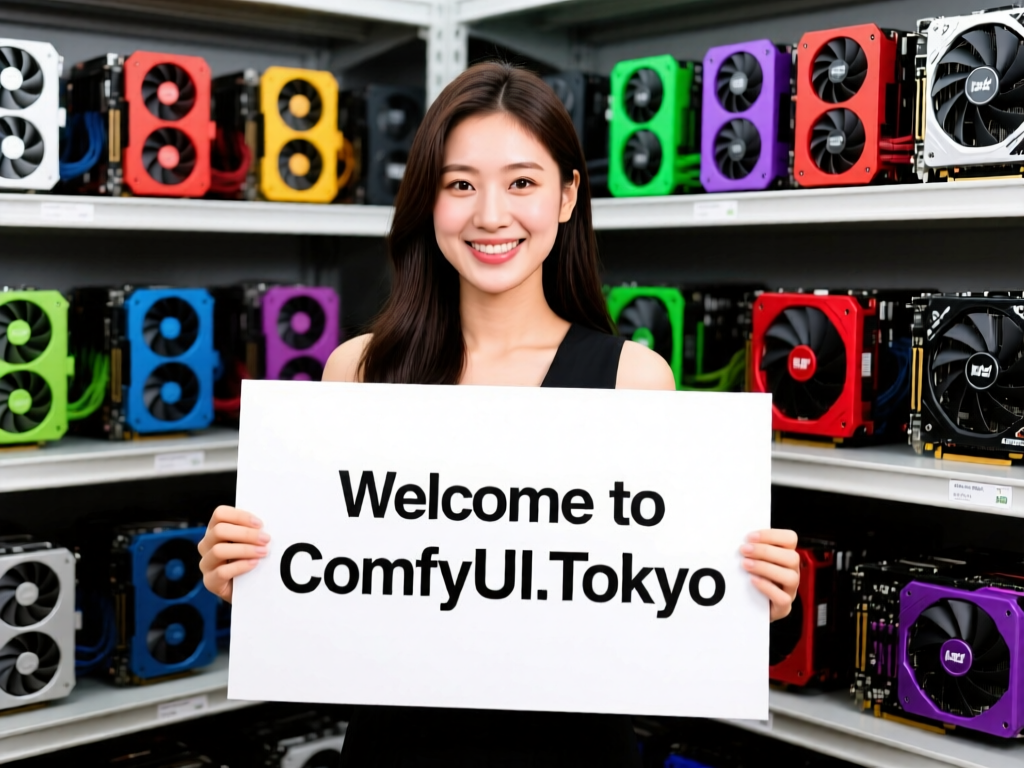
通常の画像生成にこのWorkflowを用いています。
削除したいものがある場合
どうしても不具合の画像ができてしまします。
KontextがQwen-Imageに比べて軽くて使いやすいです。
Workflow
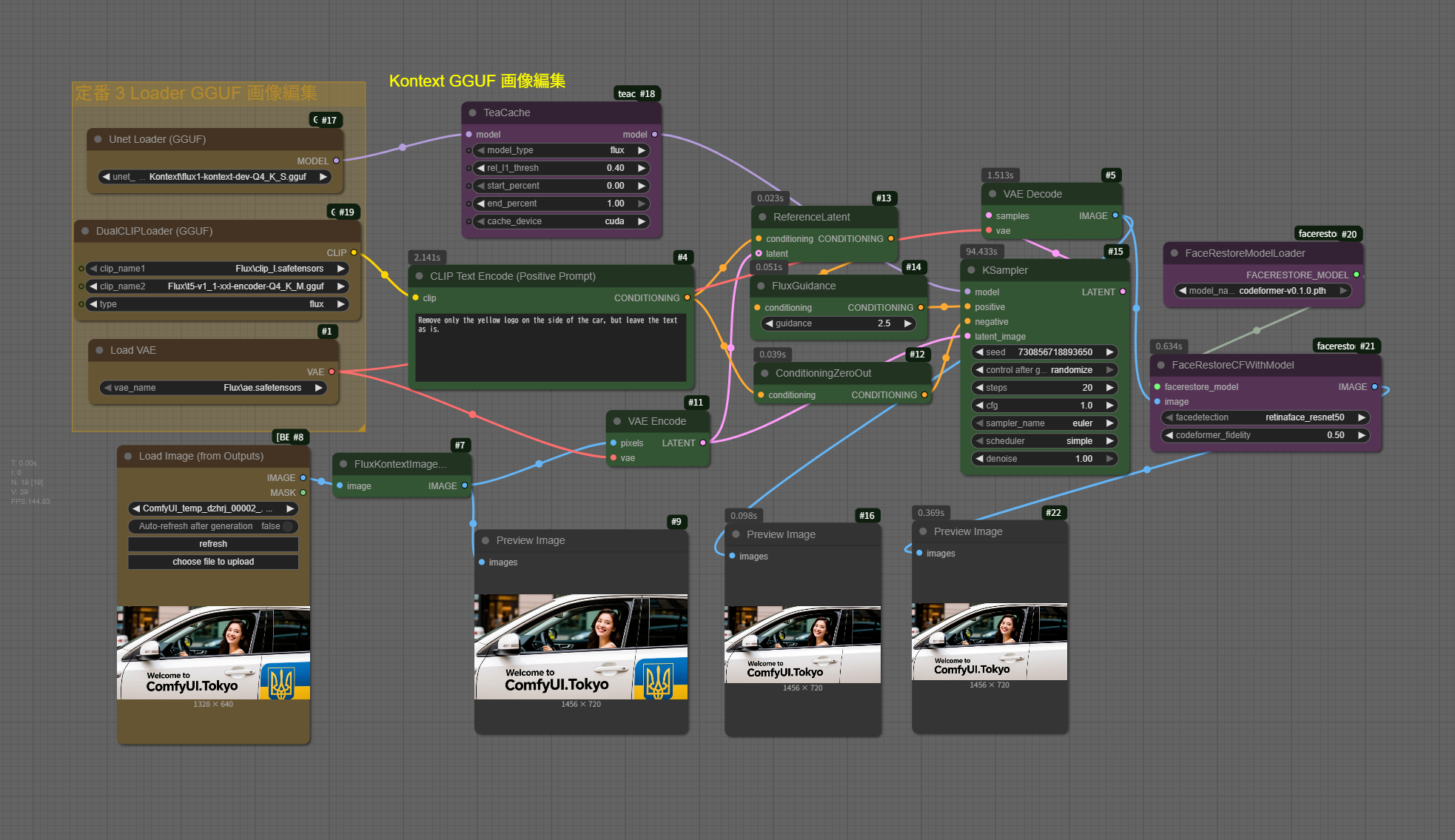
Mask作業は、面倒なのでプロンプトで削除を試みます。
Prompt
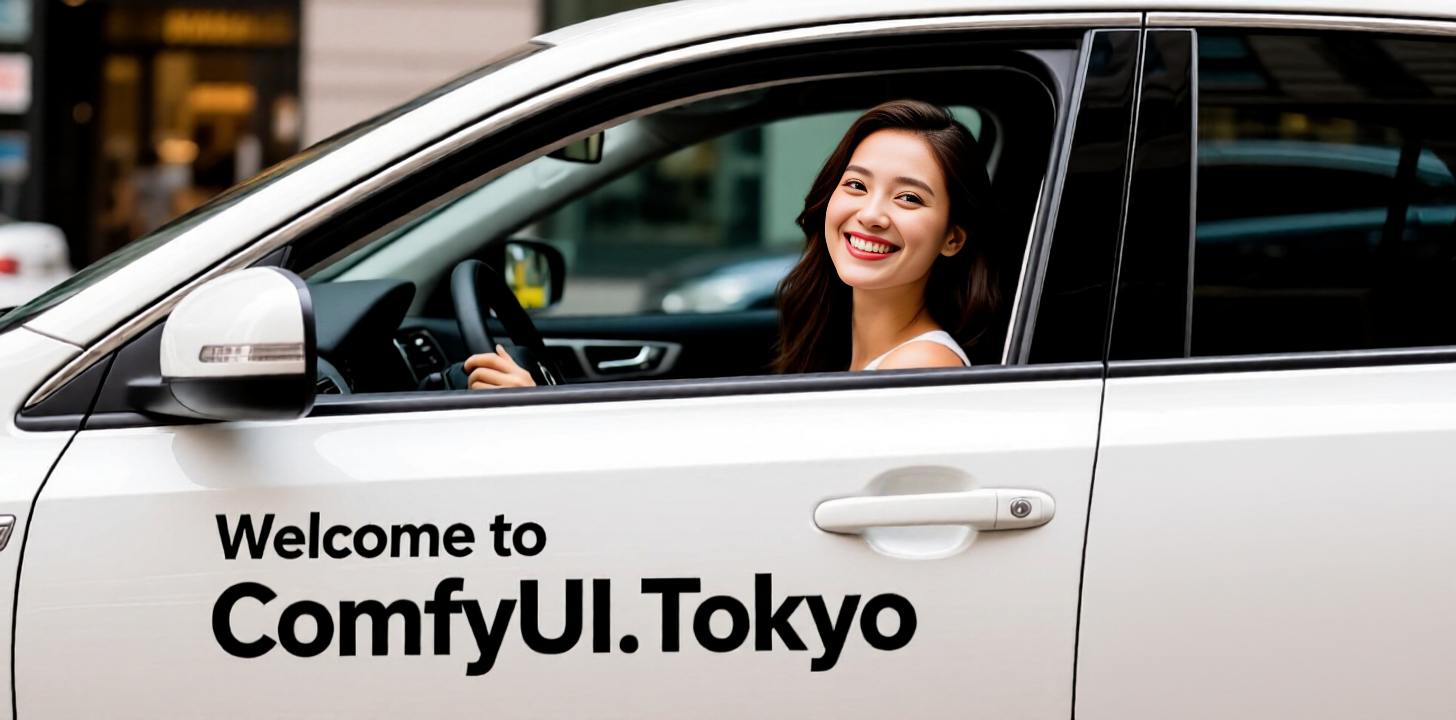
Remove only the yellow logo on the side of the car, but leave the text as is.

黄色いロゴと青のペイントが消えました。
Inpaint で削除
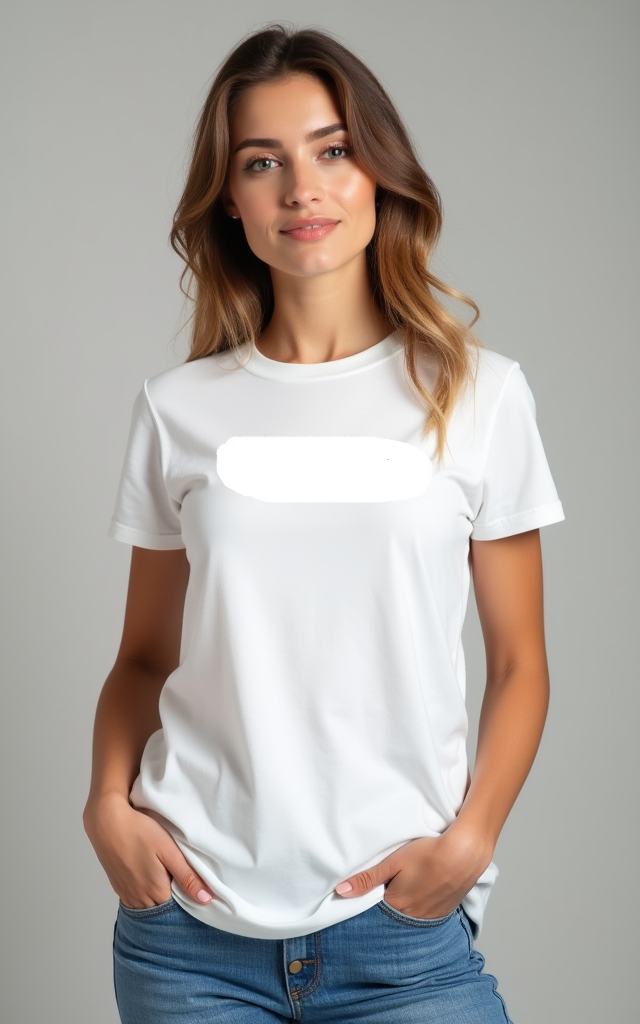
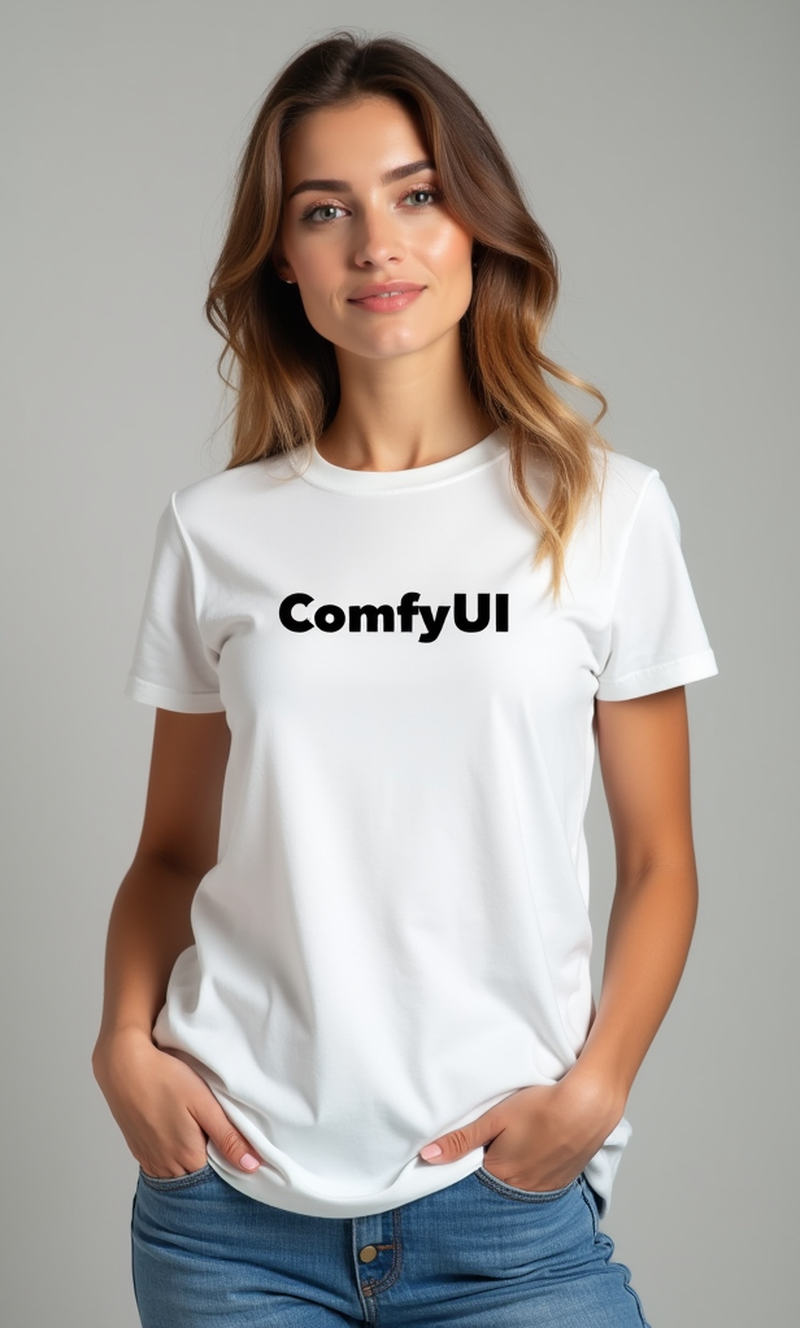
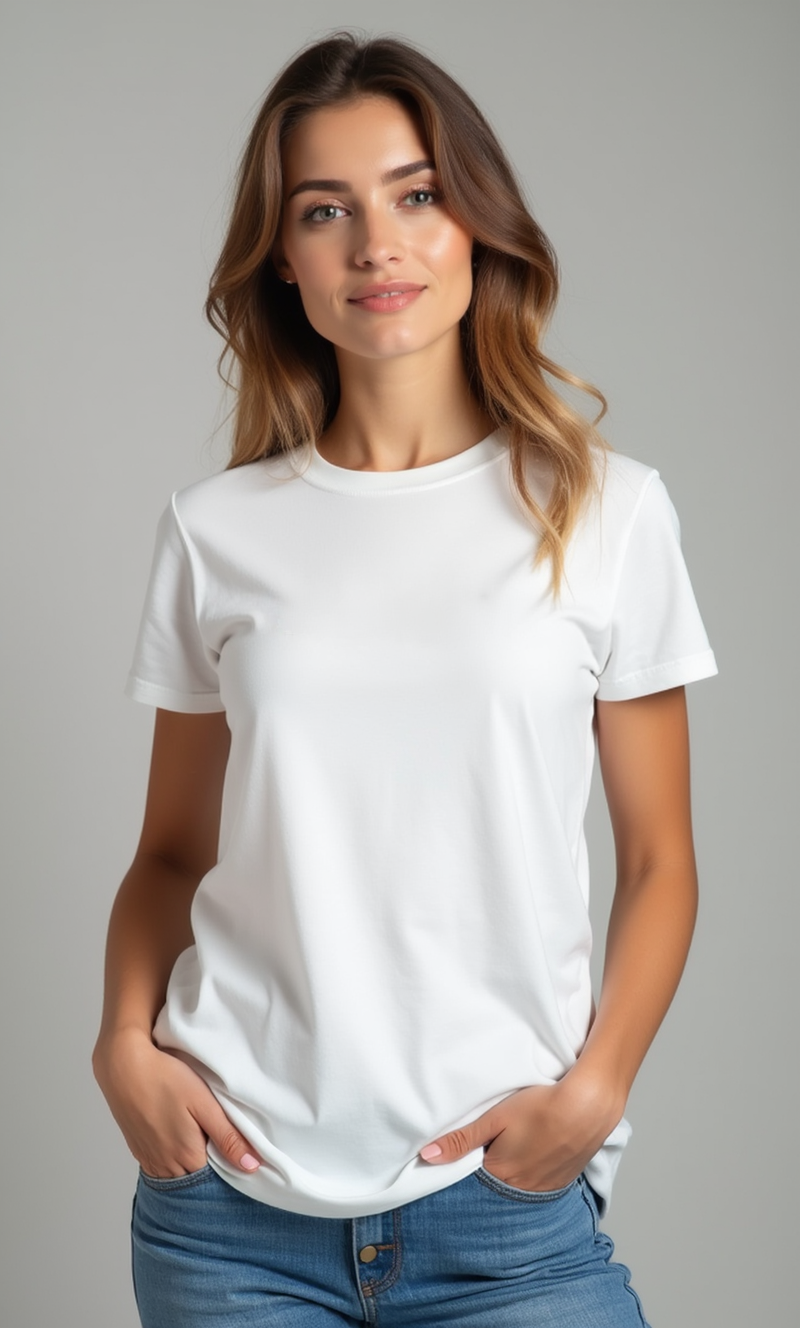
promptで記述するのが面倒なときは、Mask をかけて消してもらいます。
Workflow
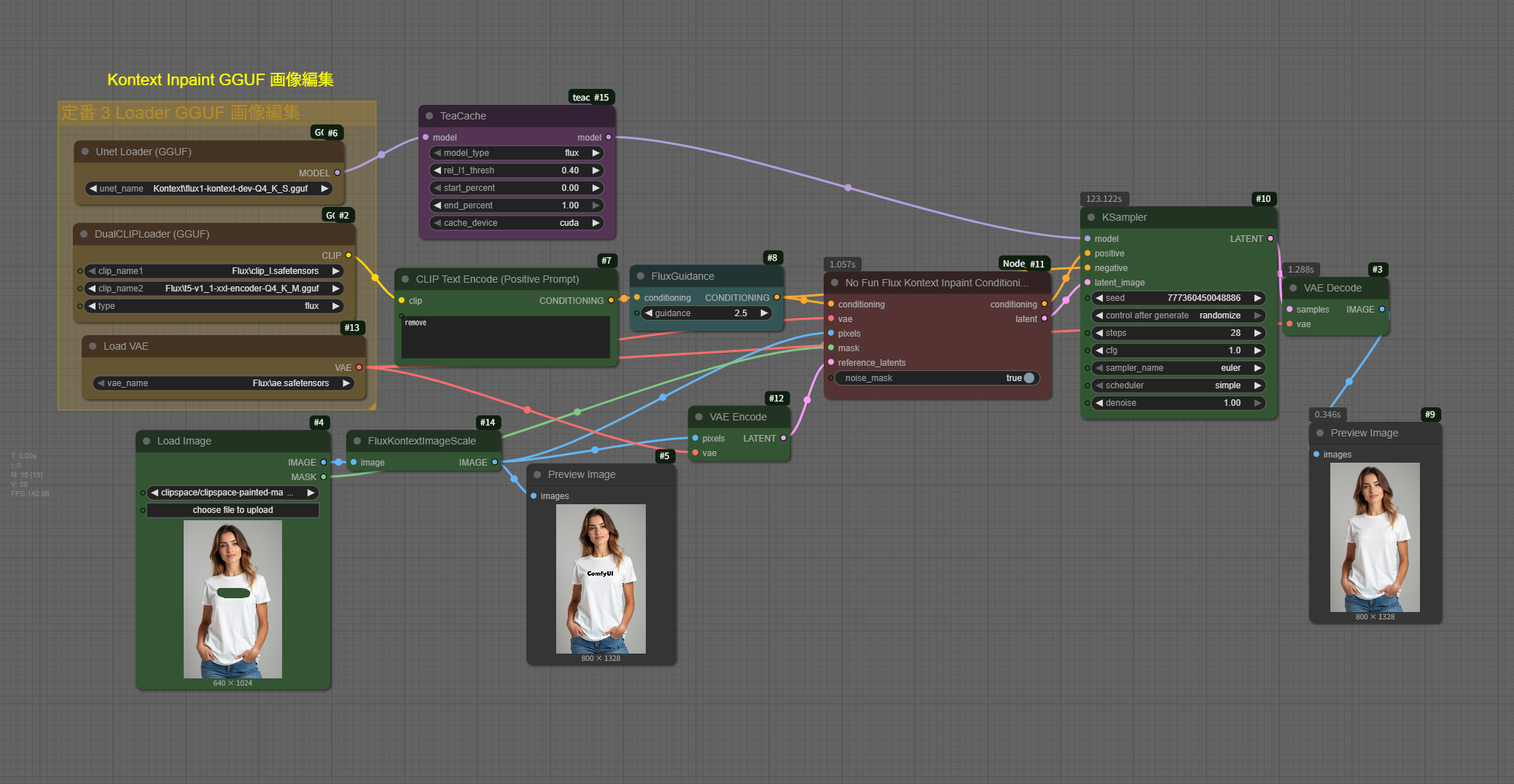
Prompt
remove
Flux1 Kreaでも画像生成を確認しようかな
一応、Qwen-imageでうまく生成できても、KreaではどうかなというときのWorkflowです。
Workflow
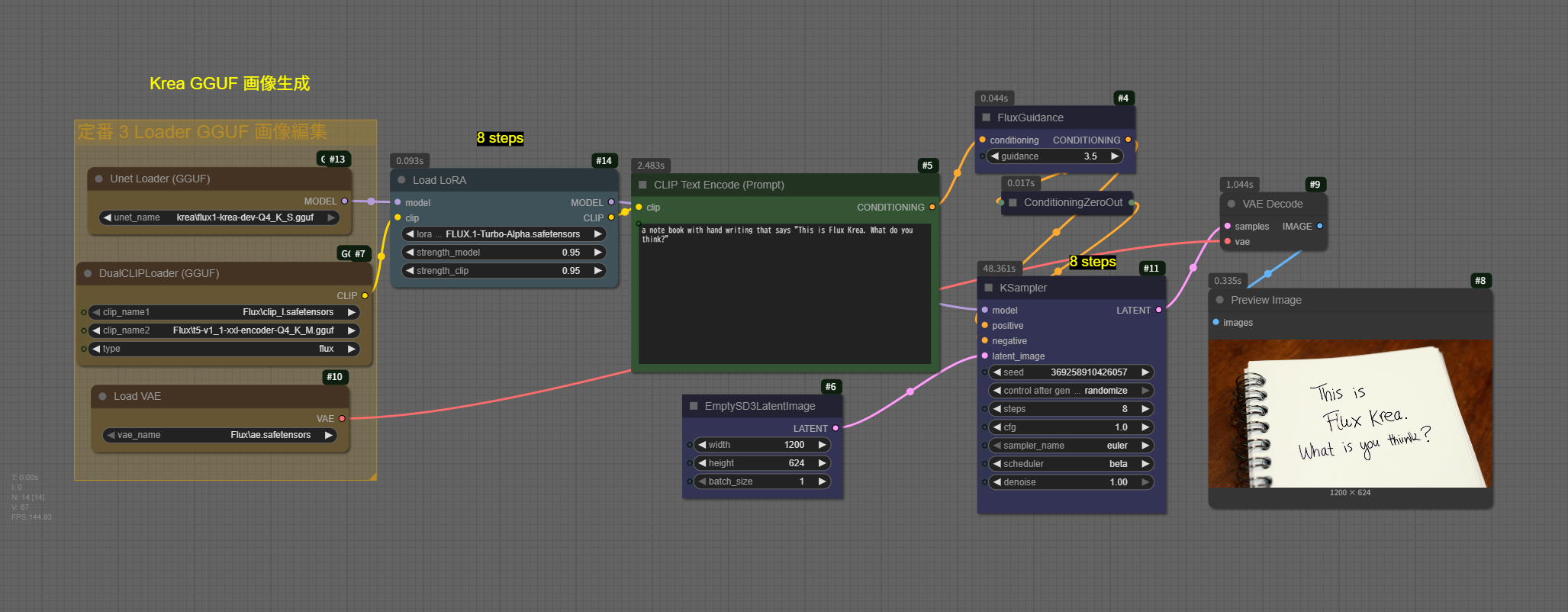
Prompt
a note book with hand writing that says "This is Flux Krea. What do you think?"
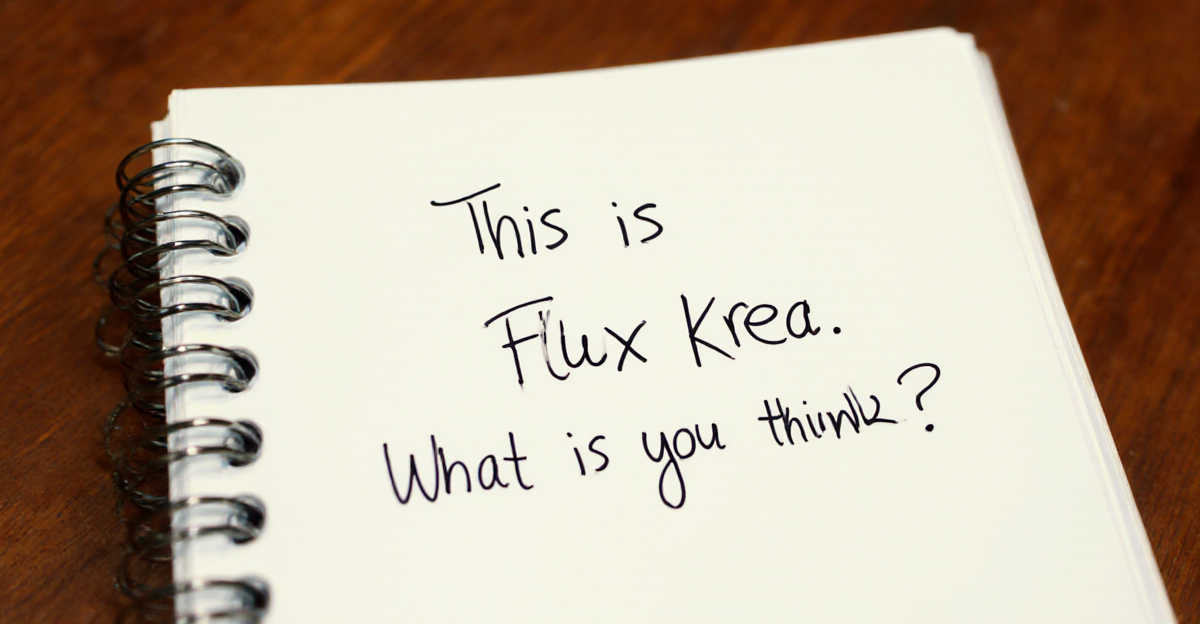
字がかすれていますね。
もうちょっとKSamplerのステップあげていいかも。